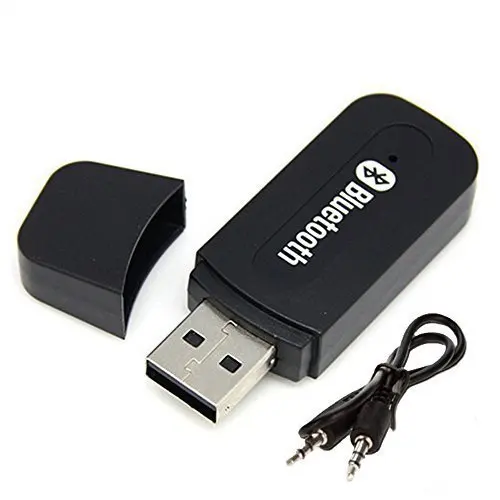
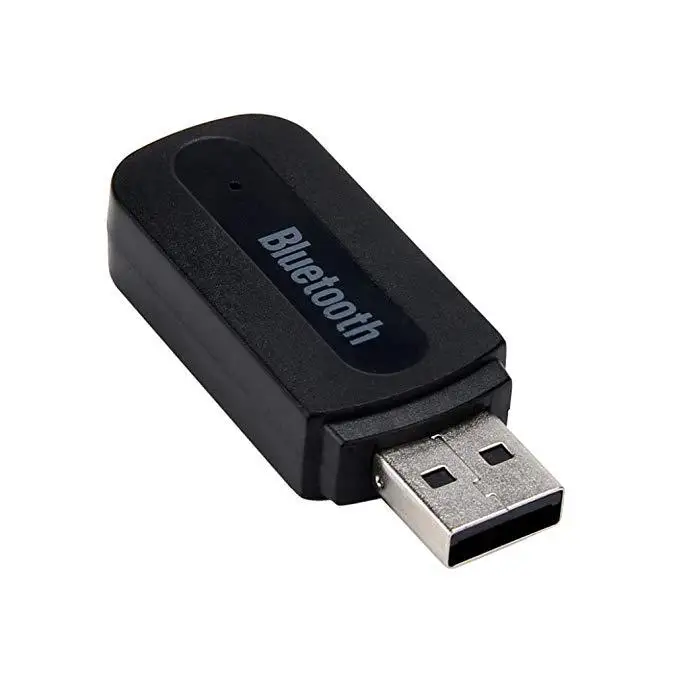
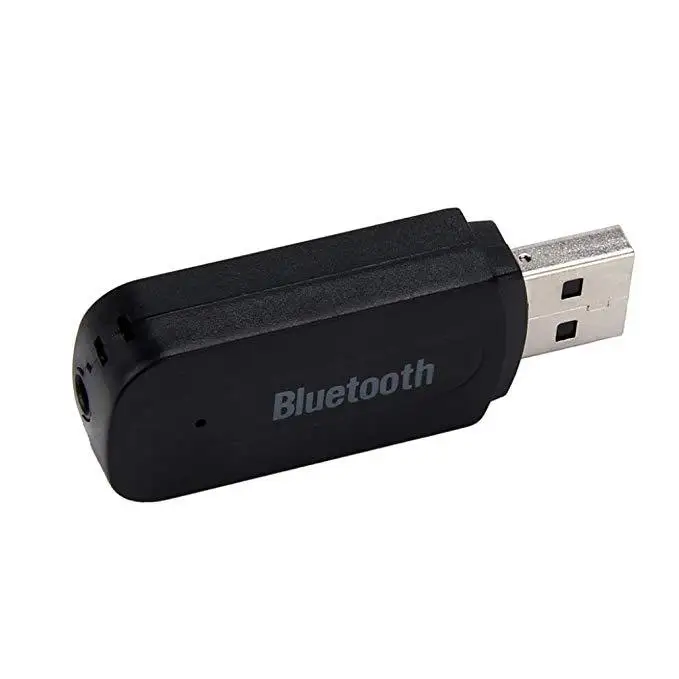
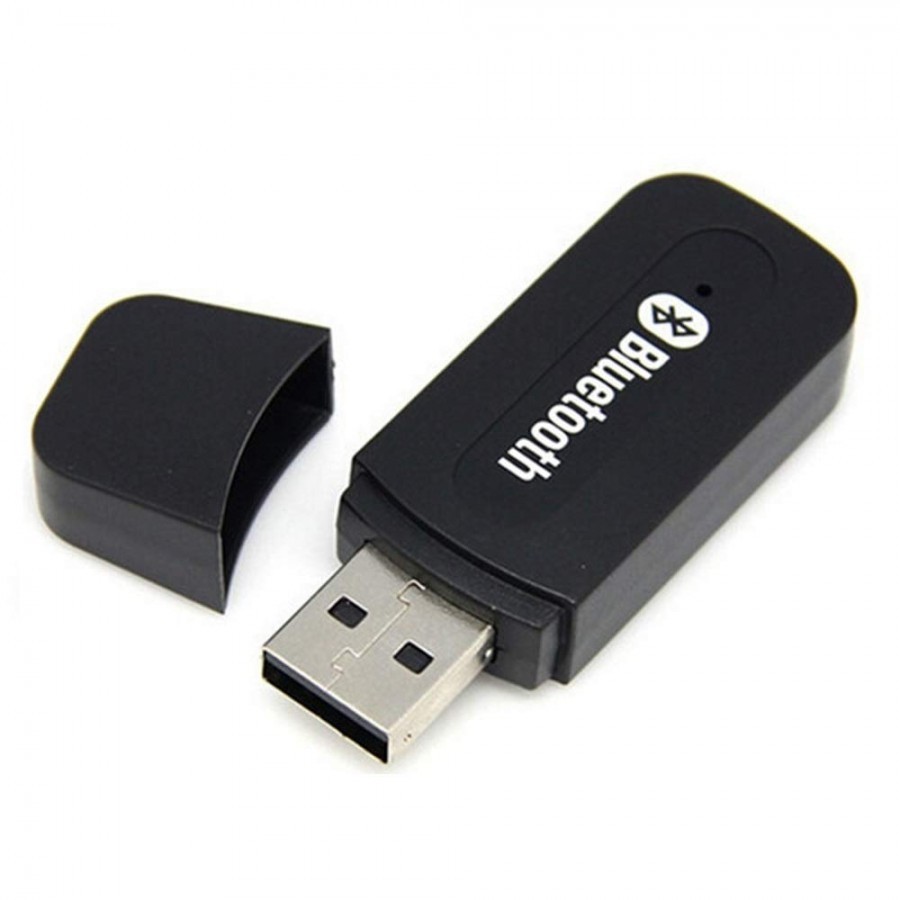
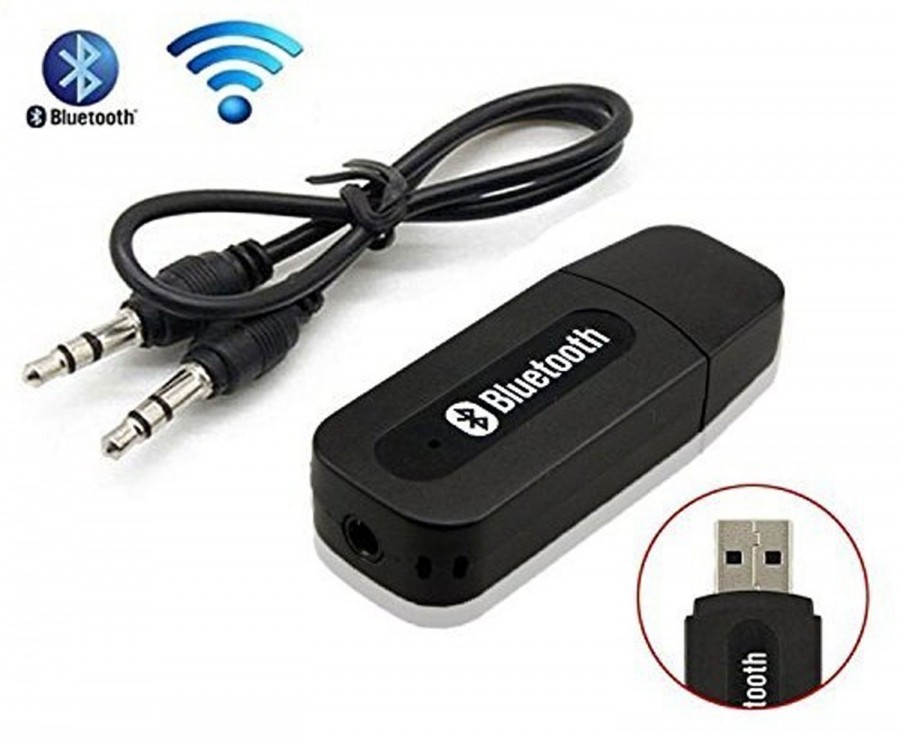
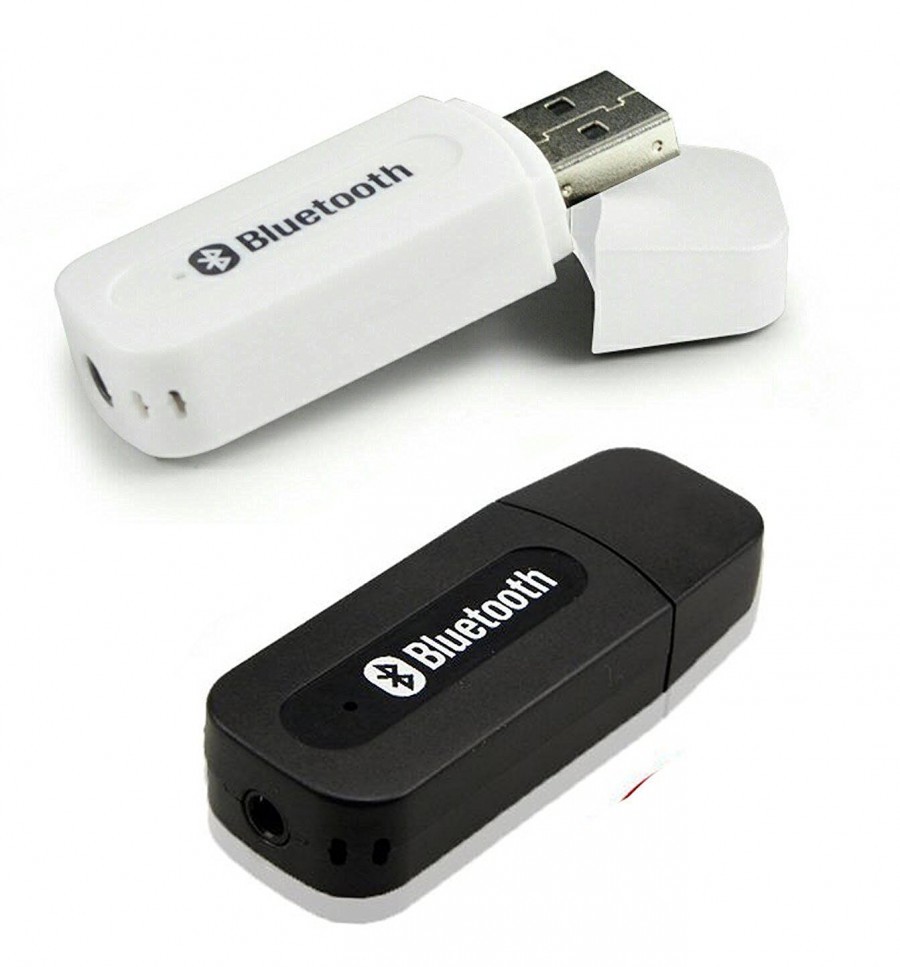
About BLUETOOTH DONGLE
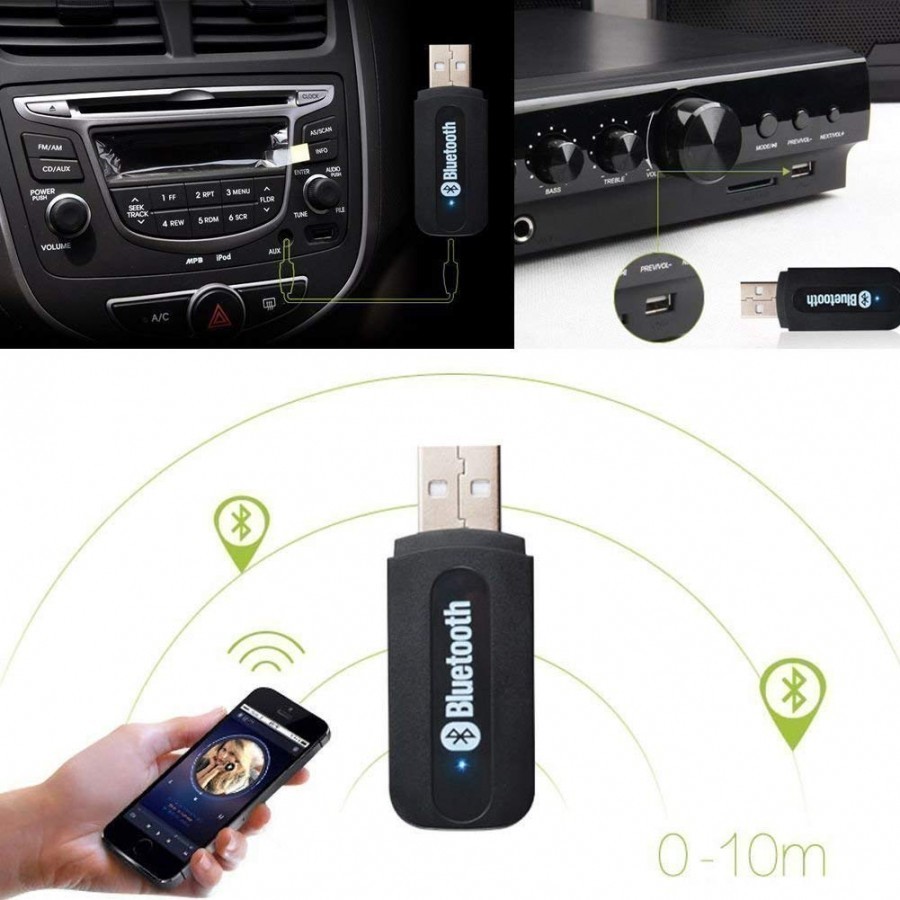
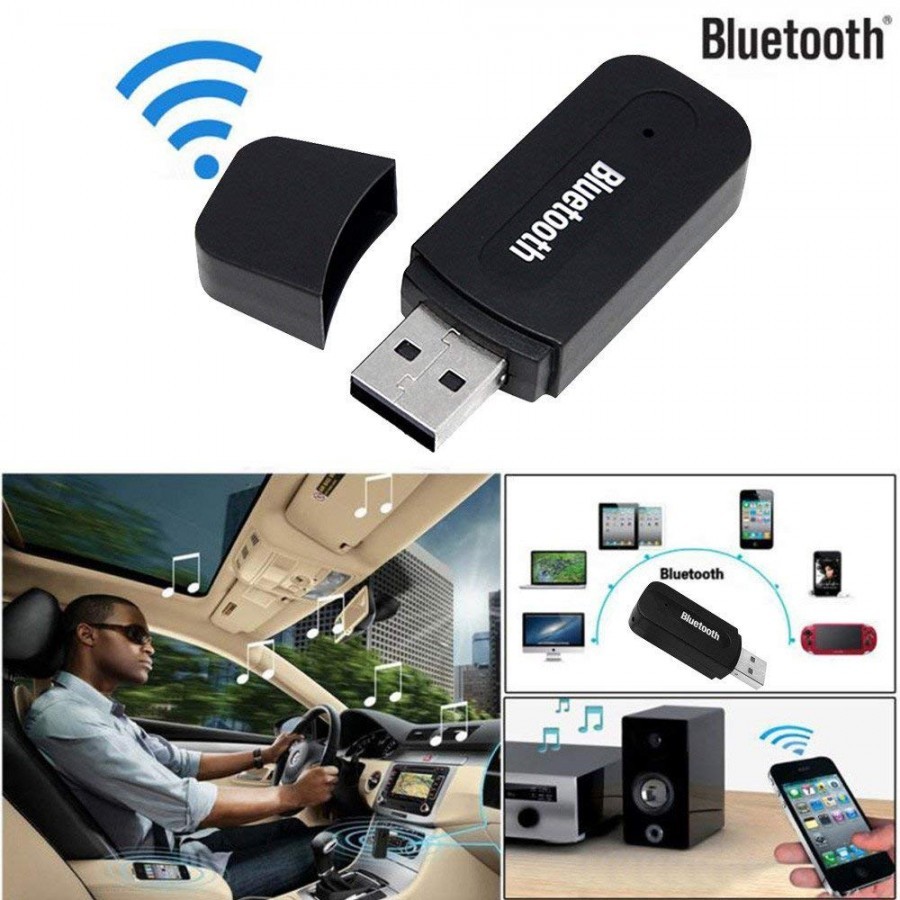
- Make Any Speaker Wireless
- Make your Car Audio System Wireless
- Convers Speakers into Bluetooth Speakers
- Allows you to play songs to your speakers directly from your phone
- Compact and Small can be powered with usb wall power adapter.|Bluetooth Standard: Bluetooth V2.0+EDR, support A2DP V1.2 Power supply: 5V USB Output: 3.5mm Audio interface Distance: 5-10 meters Sound
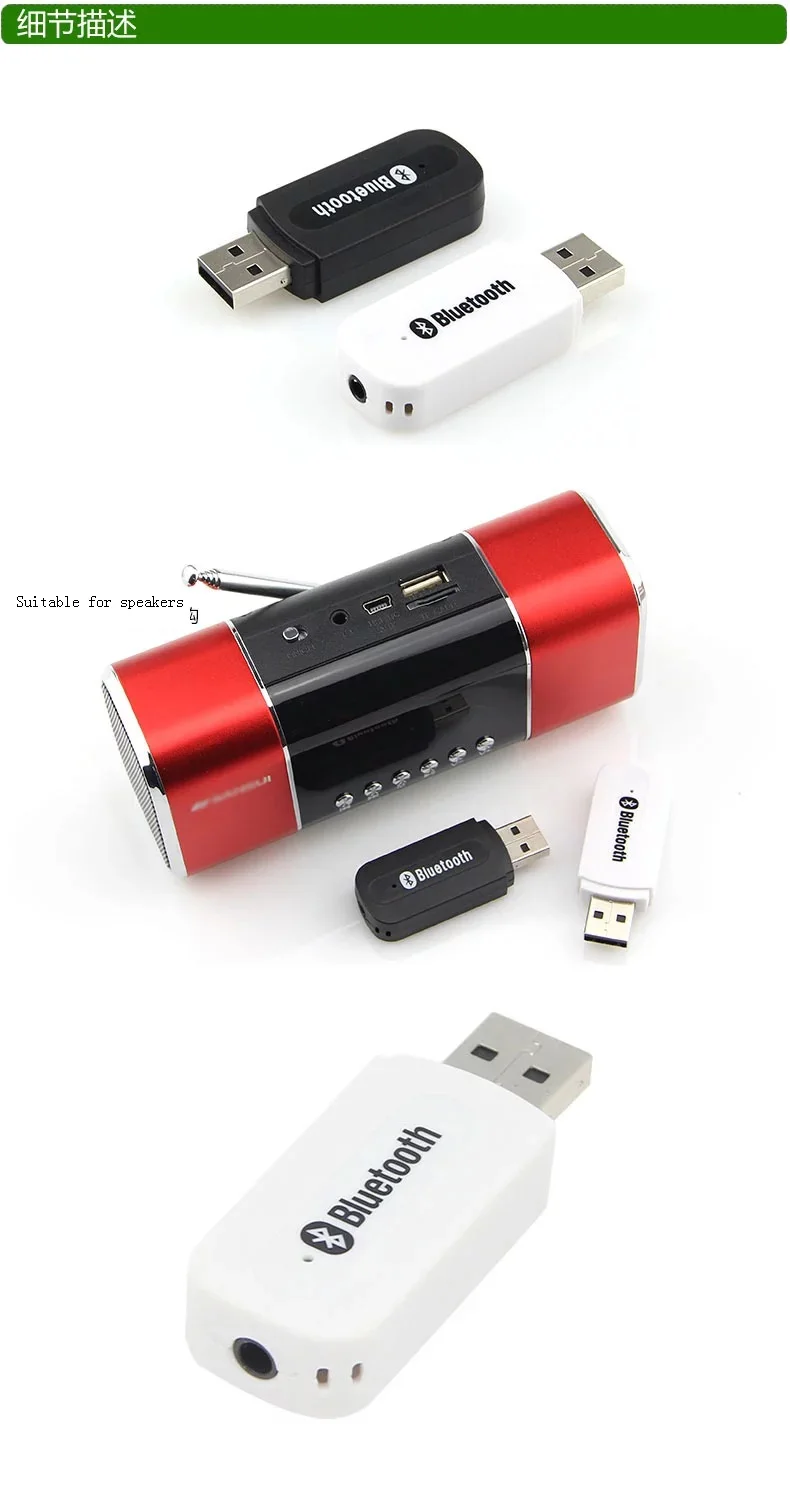
Effortless Bluetooth ConnectivityTransform non-Bluetooth devices simply with this plug-and-play USB dongle adapter. It requires no driver installation for Windows 8/10 and above, making connection quick and hassle-free. Expand your device's capabilities for wireless connections to audio, data, and peripheral devices easily.
Seamless Multi-Device FunctionalitySupport for up to 32 Bluetooth devices allows you to connect speakers, headphones, printers, and smartphones simultaneously. Enjoy stable, high-speed performance within a generous 20-meter range using the advanced Bluetooth v4.0 technology and reliable 128-bit encryption.
Reliable and Secure PerformanceEngineered for versatile usage, the dongle performs efficiently across Windows, Mac OS, and Linux systems. The blue LED indicator provides real-time status updates, and robust ABS plastic construction ensures durability for everyday wireless applications.
FAQ's of BLUETOOTH DONGLE:
Q: How do I install the Bluetooth Dongle Adapter on my computer?
A: Simply insert the dongle into a USB port on your computer. For Windows 8/10 and above, installation is automatic and driver-free. For earlier Windows versions, Mac OS X, or Linux, follow the instructions in the included user manual.
Q: What devices can I connect using this Bluetooth dongle?
A: You can connect up to 32 Bluetooth-enabled devices, including speakers, headphones, printers, smartphones, keyboards, and more. It supports most Bluetooth audio and data peripherals.
Q: Where should I use the Bluetooth dongle to maximize its wireless range?
A: For optimal range (up to 20 meters), use the dongle in open spaces without significant obstructions such as walls or metal barriers, ensuring better signal transmission and fewer dropouts.
Q: What are the benefits of using this adapter for non-Bluetooth devices?
A: The dongle adds wireless Bluetooth capability to non-Bluetooth computers and devices, allowing you to enjoy wireless audio, printing, data transfers, and connections to peripherals without cumbersome cables.
Q: When is a driver required for the Bluetooth dongle?
A: No driver is needed for Windows 8/10 and newer versions. For Windows XP/Vista/7, Mac OS X, or Linux, you may need to install a driver, which can be found in the user manual or accessed online.
Q: What security features does the Bluetooth Dongle Adapter provide?
A: It uses 128-bit encryption to secure data transfers between your connected devices, helping protect against unauthorized access and maintaining the integrity of your communications.
Q: How do I know if the dongle is working properly after plugging it in?
A: The blue LED indicator light will illuminate when the dongle is powered and actively communicating with Bluetooth devices, providing a clear visual cue for operational status.







 Send Inquiry



 Send Inquiry
 Send Inquiry
 Send SMS