About HTC CLOCK
- Wireless outdoor and indoor temperature (Fahrenheit or Celsius)
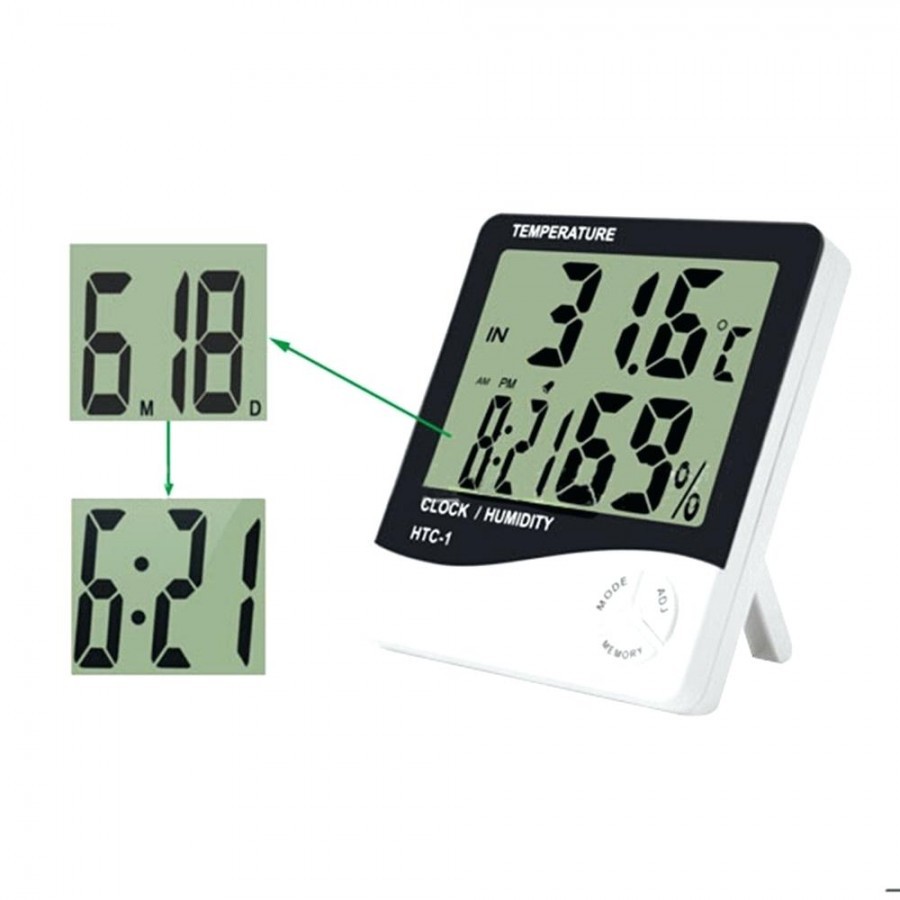
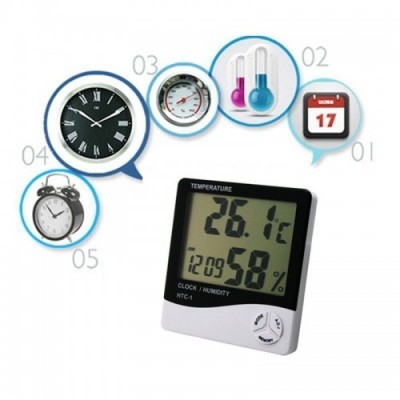
- Includes clock, day, date and alarm function
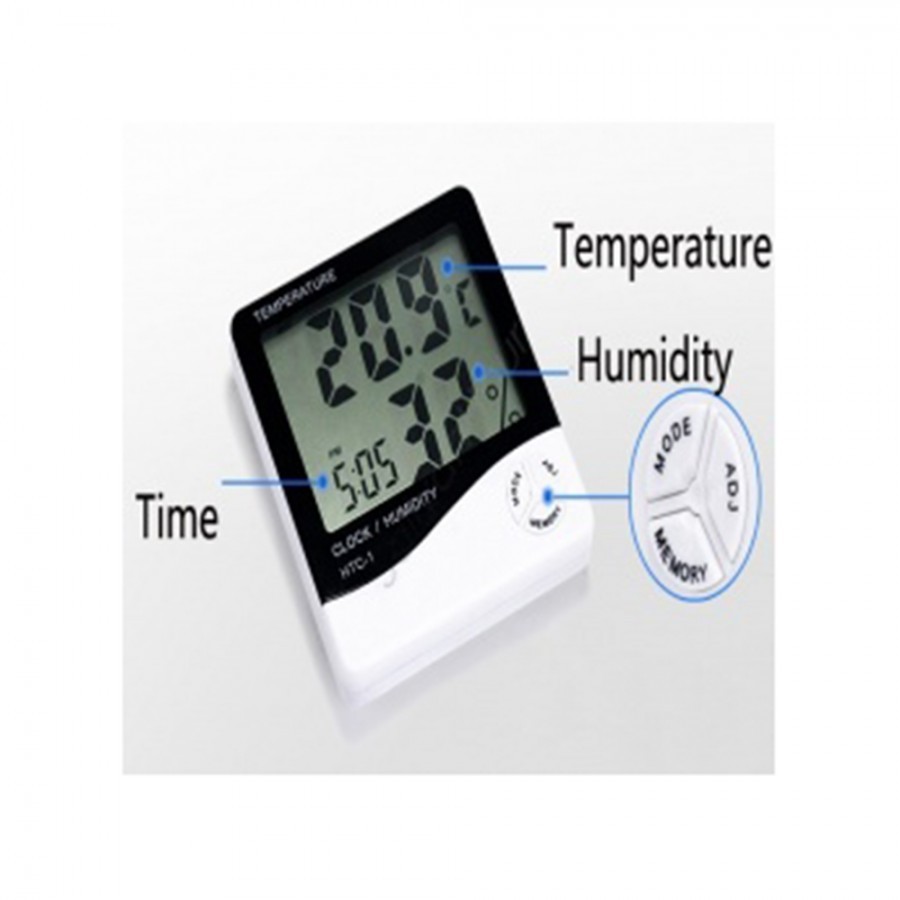
- Measures temperature and humidity level
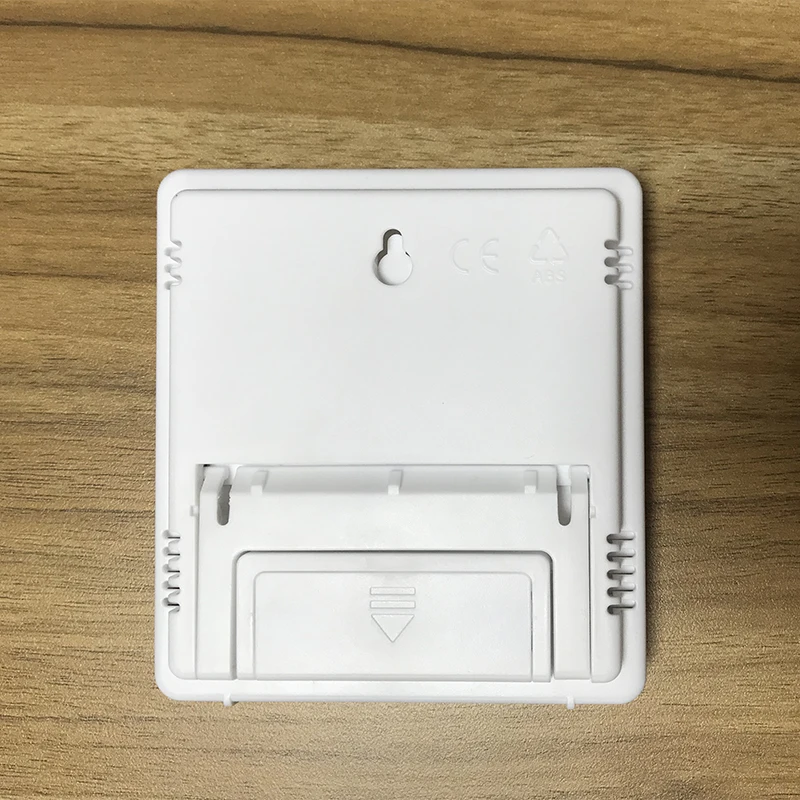
- Provides for flip out bracket for free standing or wall fixing
- Batteries included
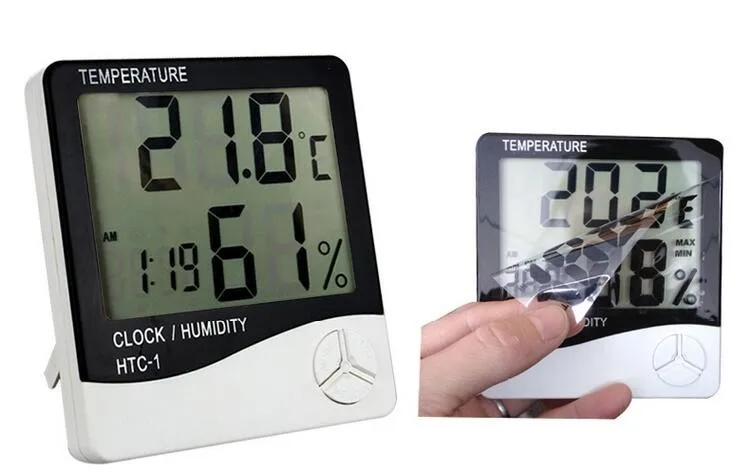

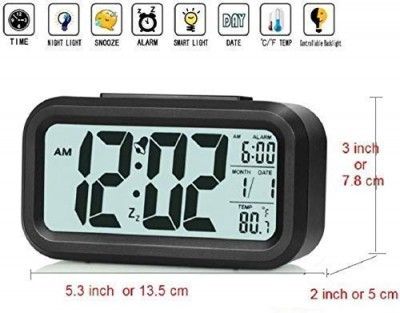
Bright LCD Display with LED BacklightEnjoy excellent readability with the HTC CLOCK's large LCD digital screen, featuring an LED backlight for clear viewing in both bright and low-light conditions. This makes it perfect for nighttime use or dim settings, ensuring you always have access to the correct time and information.
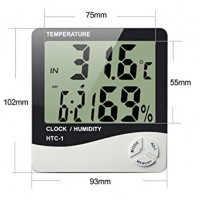
Comprehensive Functionality in a Compact FormThis clock combines multiple essential features, including an alarm system with snooze, a complete calendar display, and real-time temperature readings in both Celsius and Fahrenheit. Its compact, lightweight design makes it effortlessly portable, catering to diverse settings such as bedrooms, offices, and travel bags.
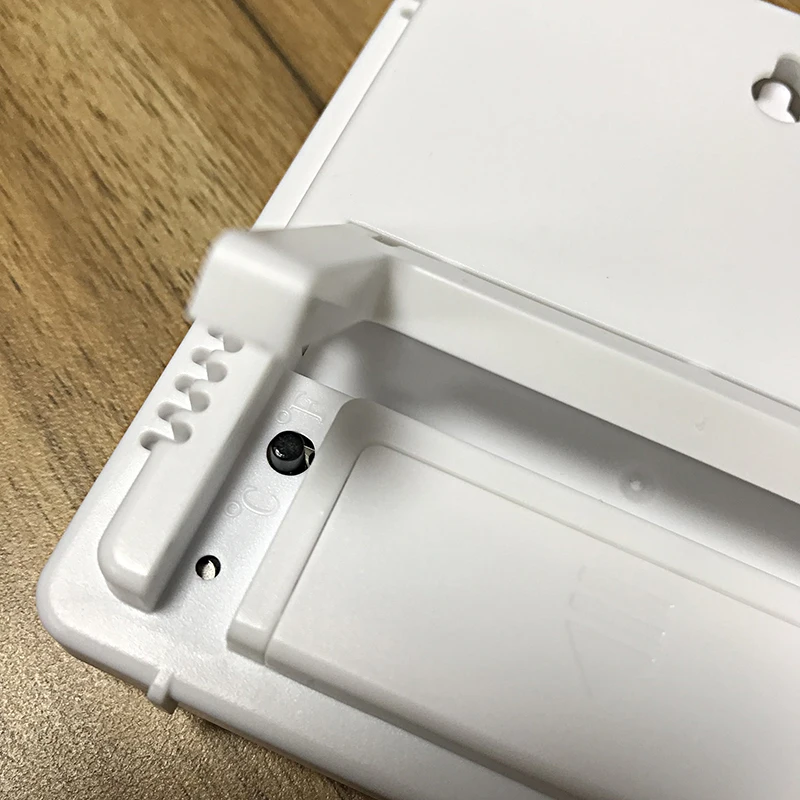
User-Friendly and Energy EfficientOperate your HTC CLOCK with responsive tactile rubber buttons and enjoy its energy-saving mode for prolonged battery life. The device is powered by a single AAA battery, ensuring hassle-free maintenance and uninterrupted service even during power outages.
FAQ's of HTC CLOCK:
Q: How do I set the time and alarm on the HTC CLOCK?
A: To set the time and alarm, use the tactile rubber buttons located on the front of the clock. Instructions for setting time, alarm, and calendar are provided in the user manual. Simply press and hold the relevant button to enter setting mode, then adjust using the up or down buttons.
Q: What benefits does the energy saving mode provide?
A: The energy saving mode helps prolong the battery life by minimizing power consumption when the clock is not in active use. This function makes the HTC CLOCK ideal for long-term usage at home, in the office, or while traveling, with less frequent need for battery replacement.
Q: Where can I place or use this digital clock?
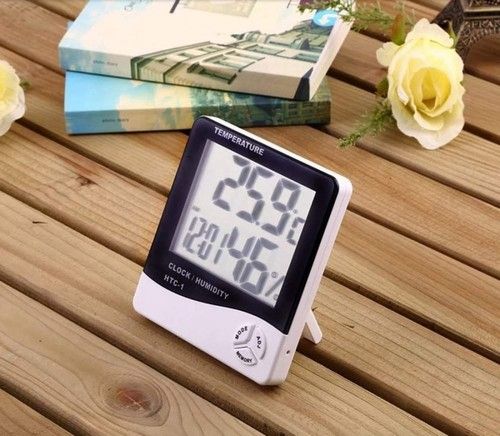
A: With its compact tabletop design and matte finish, the HTC CLOCK is suitable for use on desks, study tables, bedside tables, offices, and as a travel companion. Its portable size ensures easy placement almost anywhere indoors where you need accurate time and temperature information.
Q: What is the process to switch between Celsius and Fahrenheit for temperature display?
A: To switch between Celsius and Fahrenheit, press the designated temperature unit button among the tactile controls. This allows you to easily select your preferred unit of measurement for the digital temperature display.
Q: How should I clean and maintain the HTC CLOCK?
A: Maintain your HTC CLOCK by wiping it with a dry cloth. Do not use water or cleaning agents, as the device is not dishwasher or microwave safe. Keeping the surface dry ensures the matte finish and electronic components remain in optimal condition.
Q: What type of battery does the HTC CLOCK require, and when should it be replaced?
A: The clock operates on a single AAA 1.5V battery (not included). Replace the battery when the display becomes dim or the backlight weakens, ensuring consistent timekeeping and function. Always use a high-quality AAA battery for best performance.






 Send Inquiry



 Send Inquiry
 Send Inquiry
 Send SMS