KEYBORD USB VACUUM About
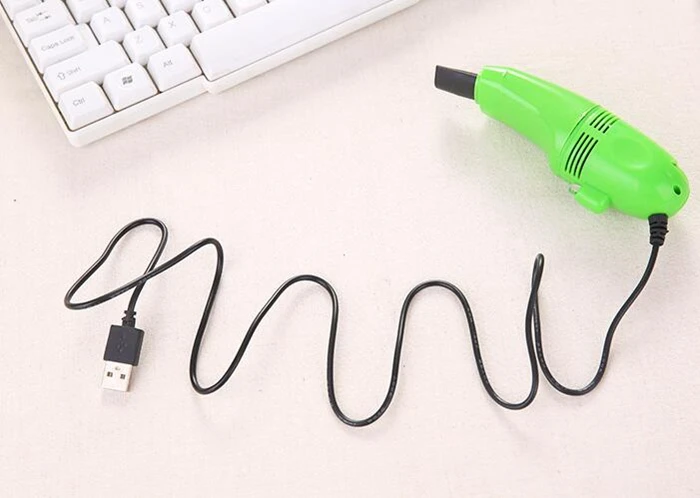
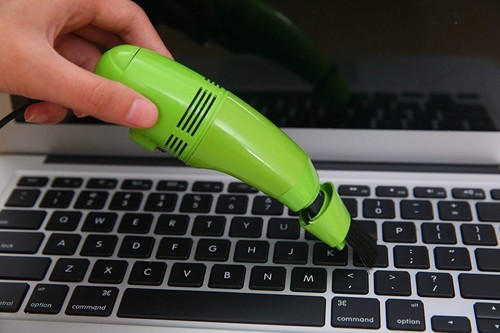
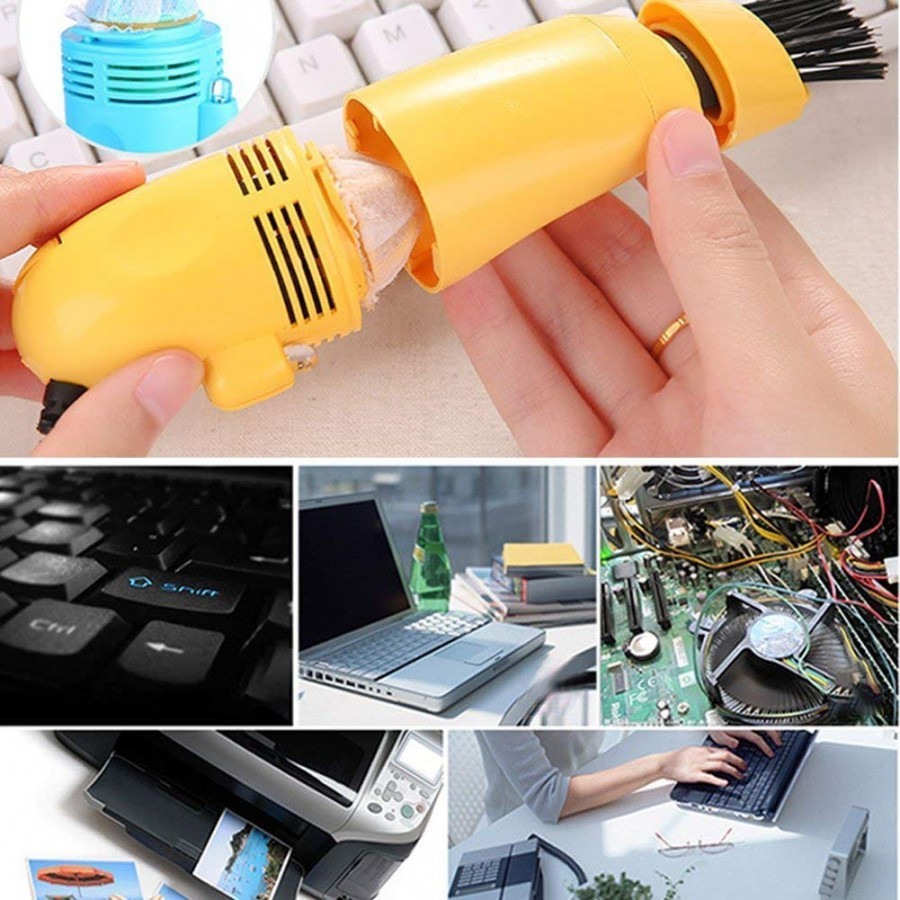
- Requires no external power source, plugs straight into any USB port. Suitable for computer keyboards, screens, mobile phones, cars and other equipment parts.
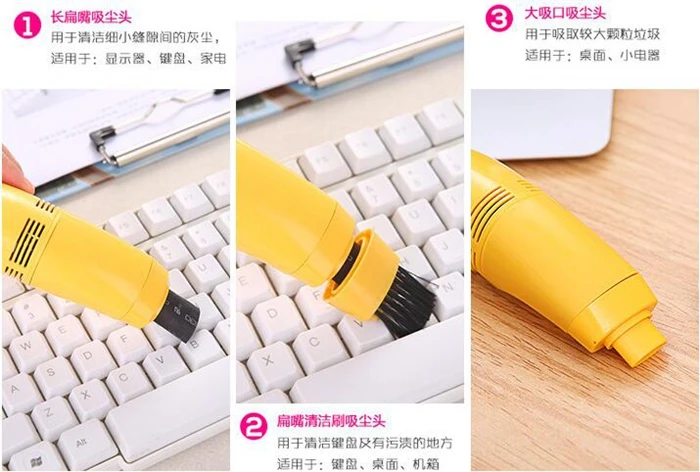
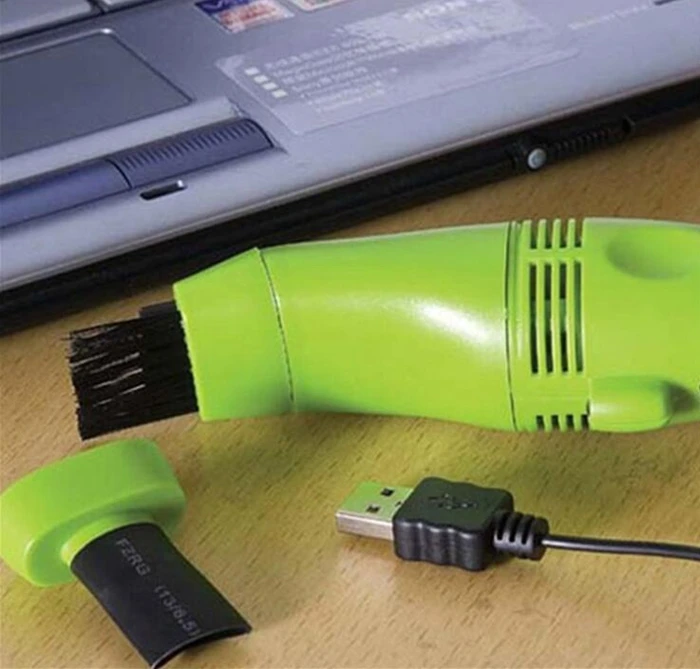
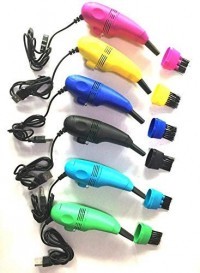
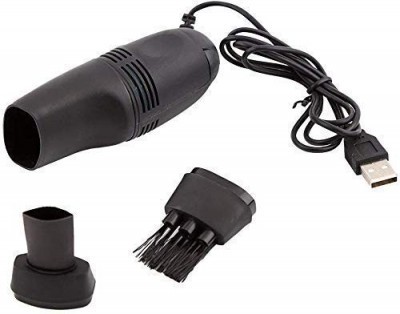
- Two vacuum cleaning attachments included one bristle brush attachment and one flexible rubber, computer keyboard tool attachment.
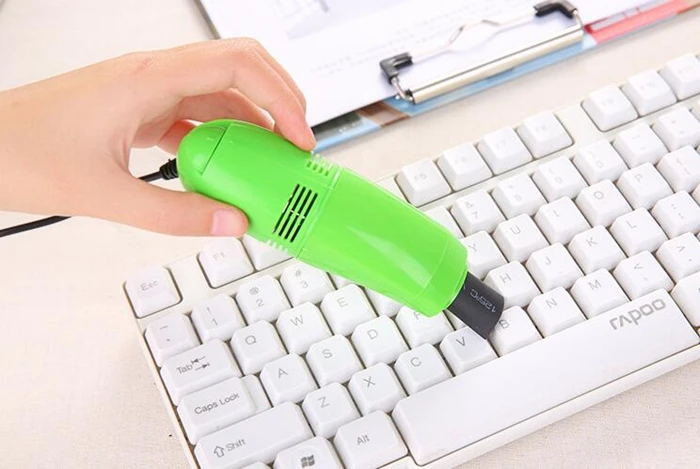
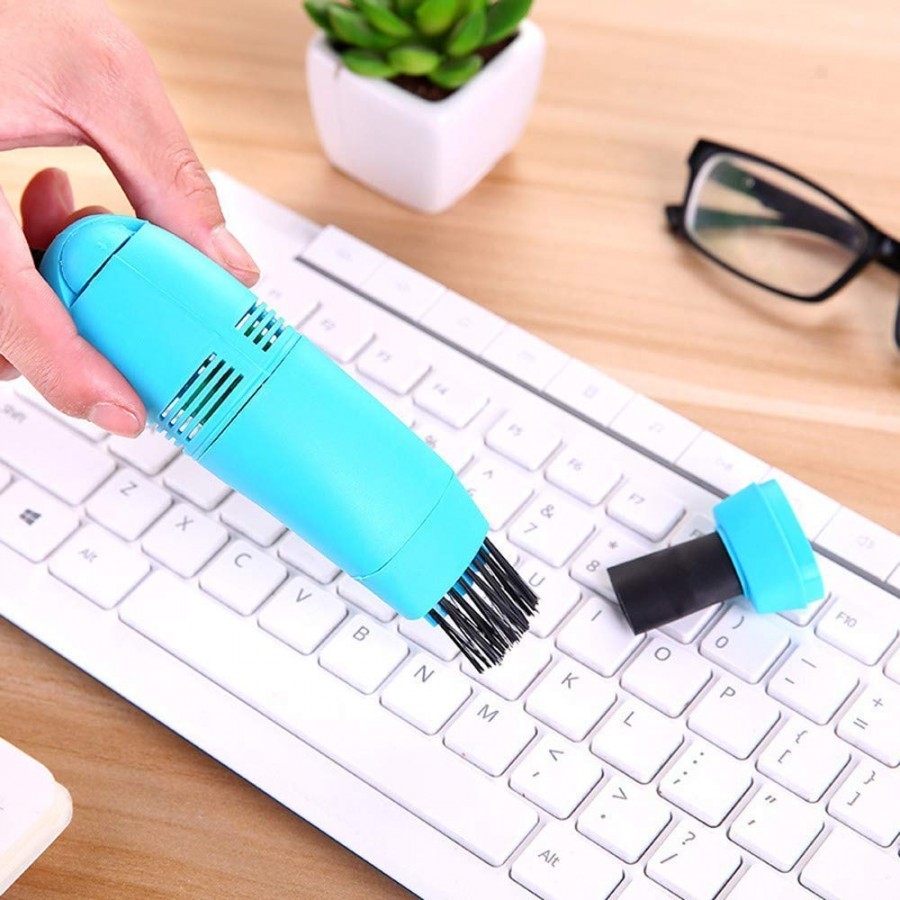
- Use the keyboard attachment rubber to vacuum the dust and other particles trapped underneath the keyboard keys, by sliding the squeezable tube between keys.
- Laptops & Accessories Laptop Bags & Cleaners
- Two switch levels: slide the switch to the first level to turn on the led light, slide the switch to the second level to turn on the vacuum cleaner.
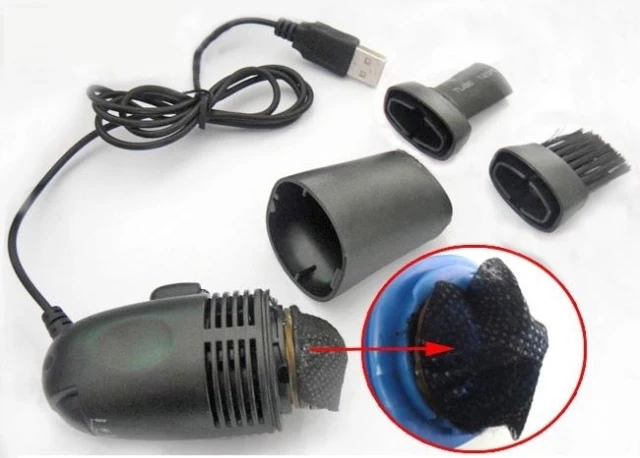
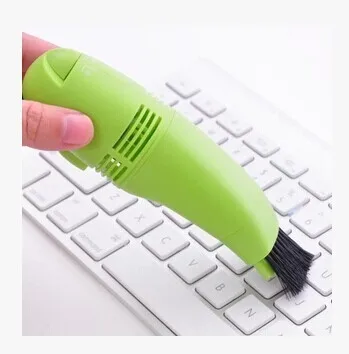
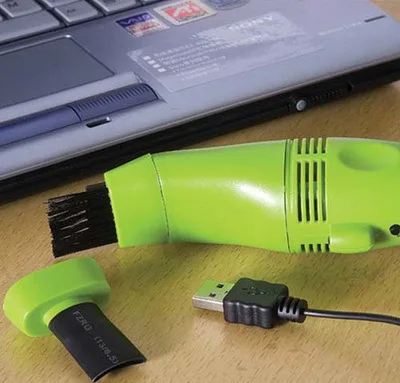
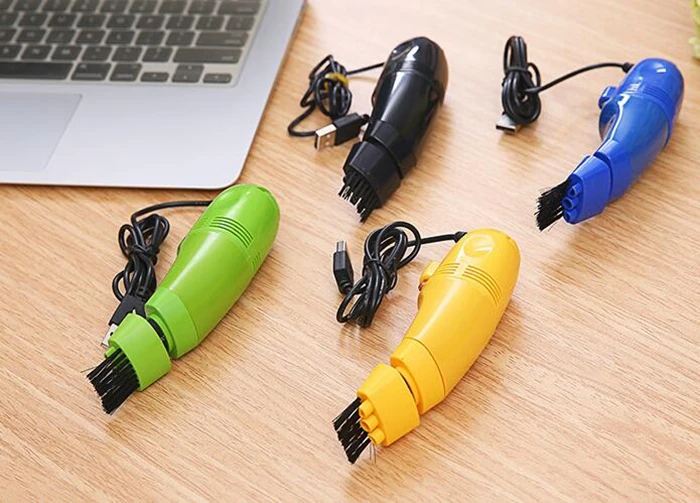
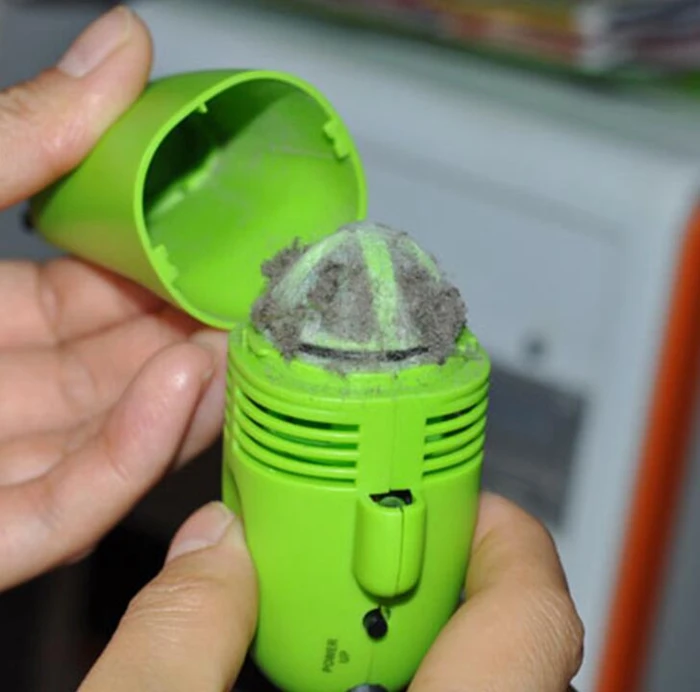
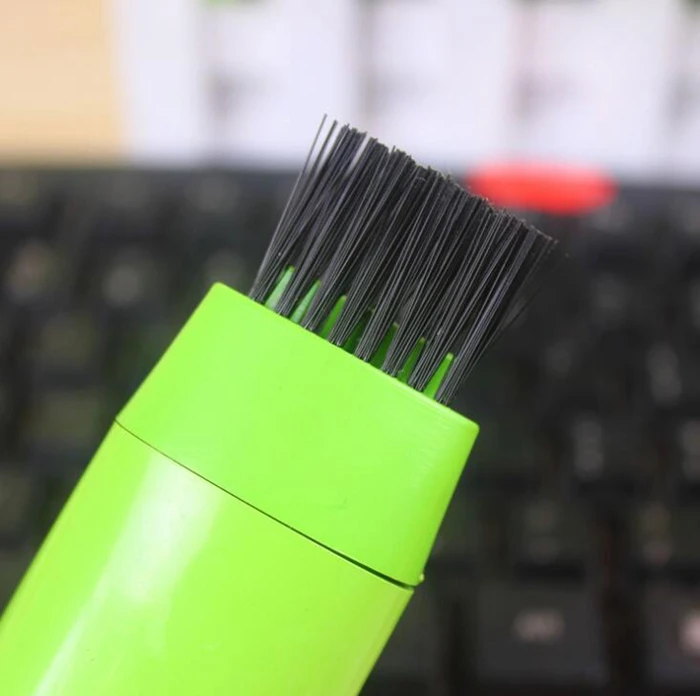
Efficient and Convenient CleaningKeep your keyboard and small devices spotless with this compact USB vacuum. Its ergonomic design and powerful suction make cleaning quick and hassle-free. Swap between the bristle brush for stubborn dust and the flexible nozzle for tight spaces, ensuring a thorough clean every time. With a washable filter, maintaining the vacuum is as simple as rinsing and drying.
User-Friendly FeaturesDesigned with ease of use in mind, this vacuum operates at low noise levels to minimize disturbance. The long, 90 cm USB cord allows flexible handling, while the on/off switch offers direct control. Built-in short circuit protection and sturdy ABS plastic material boost safety, making it a dependable choice for everyday maintenance.
FAQs of KEYBORD USB VACUUM:
Q: How do I operate the Keyboard USB Vacuum?
A: Simply connect the vacuum to any compatible USB port on your computer or USB adapter, attach the desired nozzle, and turn it on using the on/off switch. Guide the nozzle over your keyboard or device surface to remove dust and debris.
Q: What surfaces and devices can this vacuum be used for?
A: This vacuum is specially designed for cleaning computer keyboards, as well as small electronics with hard-to-reach spots. It is compatible with Windows, Mac, and Linux devices via standard USB ports.
Q: When should I clean the filter and how is it maintained?
A: It is recommended to clean the washable filter after every few uses or whenever suction appears reduced. To clean, remove the filter, rinse it under running water, allow it to dry completely, and then reinstall it.
Q: Where can I store the vacuum when not in use?
A: Thanks to its compact and lightweight build, the vacuum can be easily stored in your desk drawer or other small storage spaces without taking up much room.
Q: What is the benefit of the included attachments?
A: The bristle brush helps dislodge stubborn dust from between keyboard keys, while the flexible rubber nozzle is perfect for suctioning debris from crevices and tight areas, ensuring a comprehensive cleaning result.
Q: Is the vacuum dishwasher or microwave safe?
A: No, the Keyboard USB Vacuum is not dishwasher or microwave safe. To maintain it, only clean the washable filter with water and keep the device itself away from heat sources exceeding 50C.






 Send Inquiry



 Send Inquiry
 Send Inquiry
 Send SMS