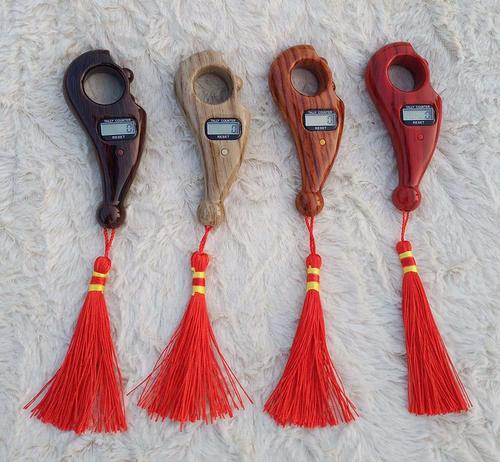
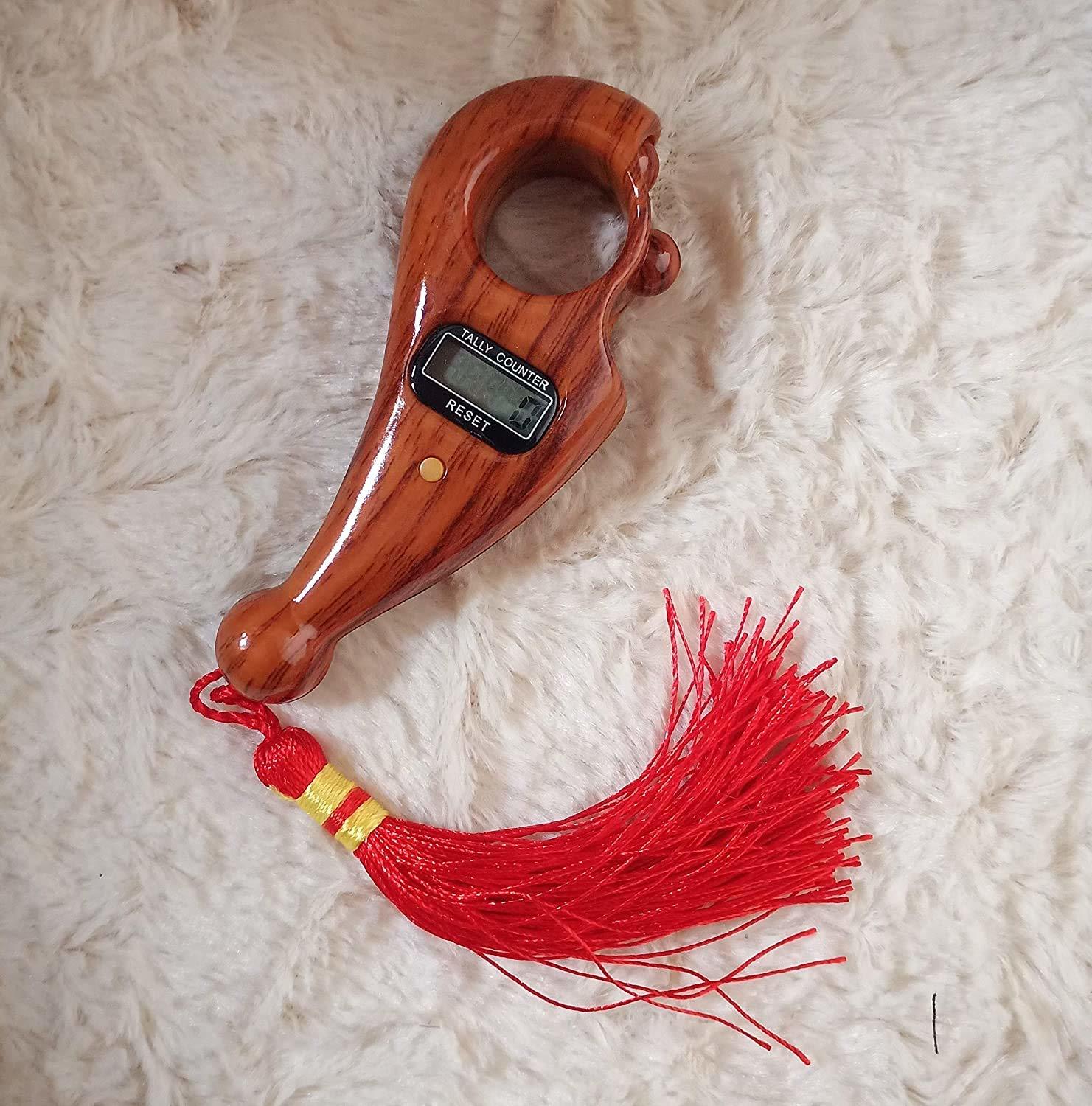
Manual Hand Finger Digital Counting Machine About
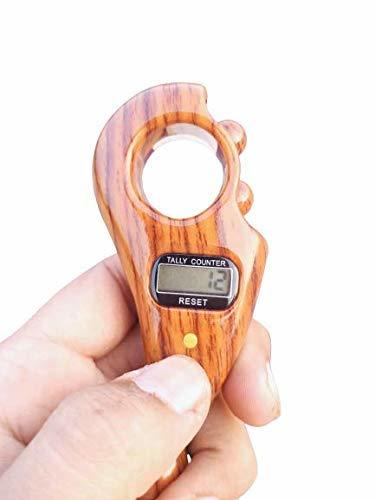
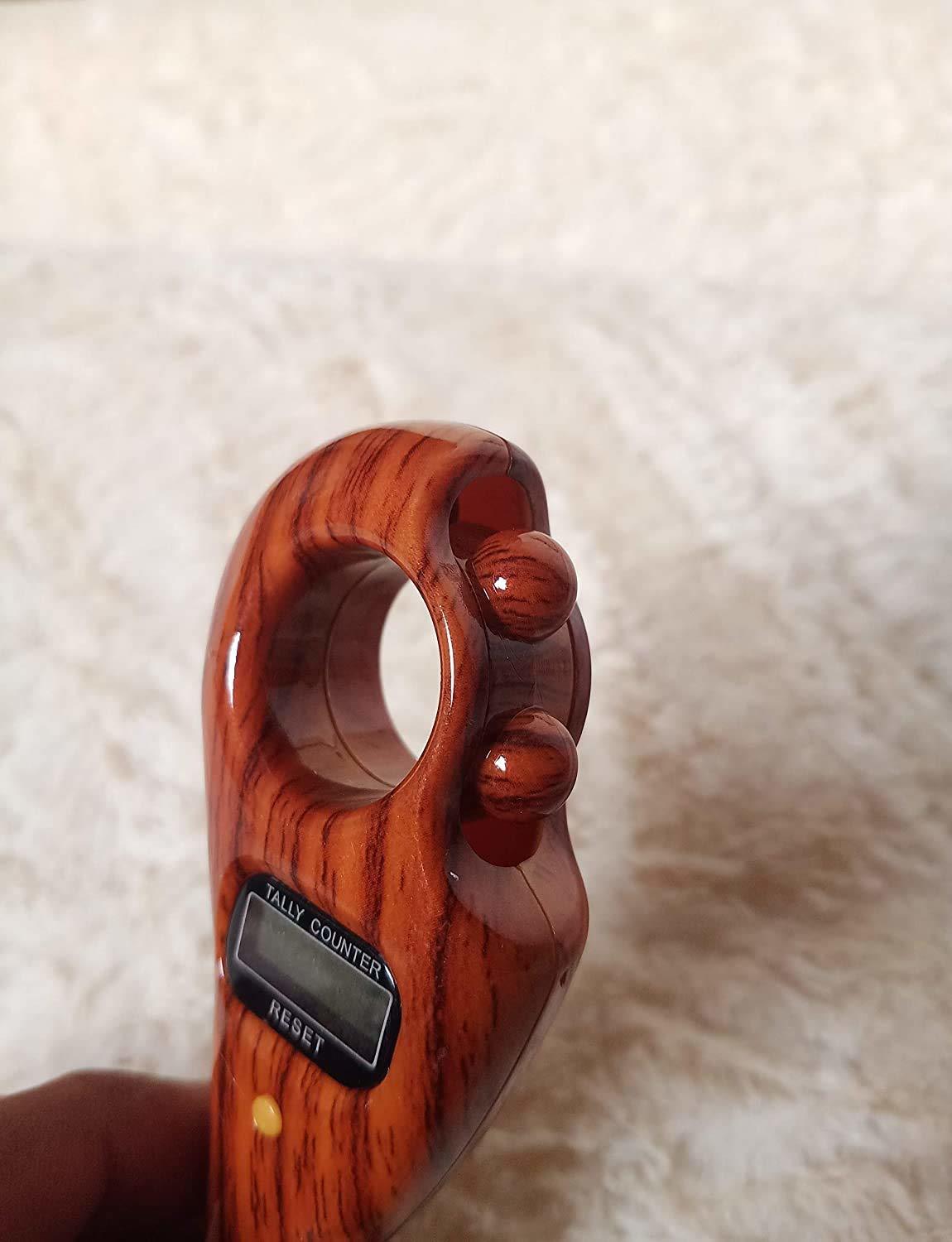
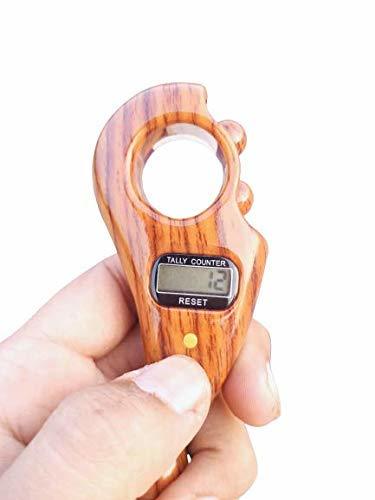
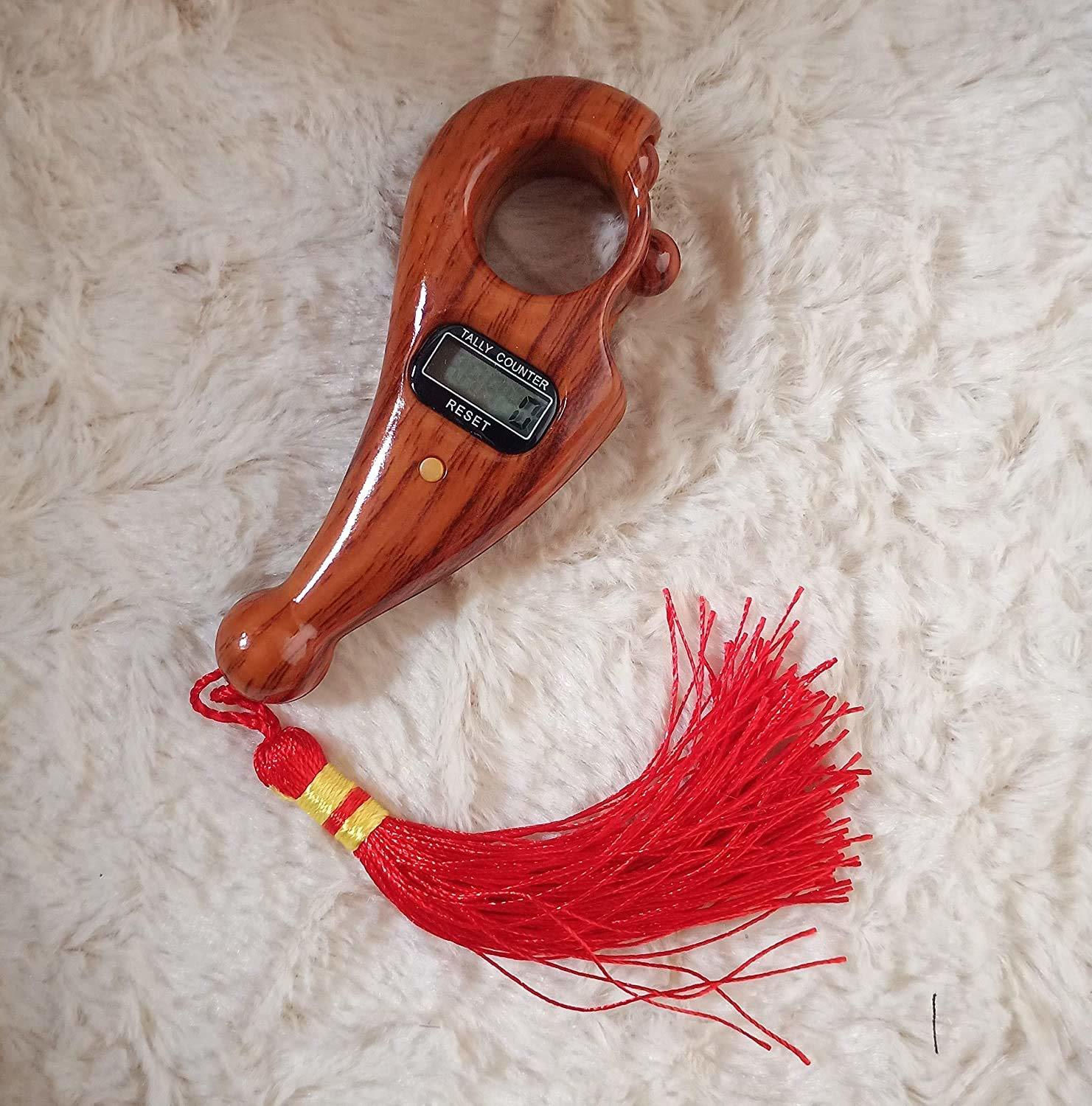
- 5 different channel for more use.Tally Counter-This digital counter with 5 digit screen display, it can count number range from 00000-99999. Mechanically jumps by every press, press once to count once and it can easily reset to 0 by press the clear button on the right.
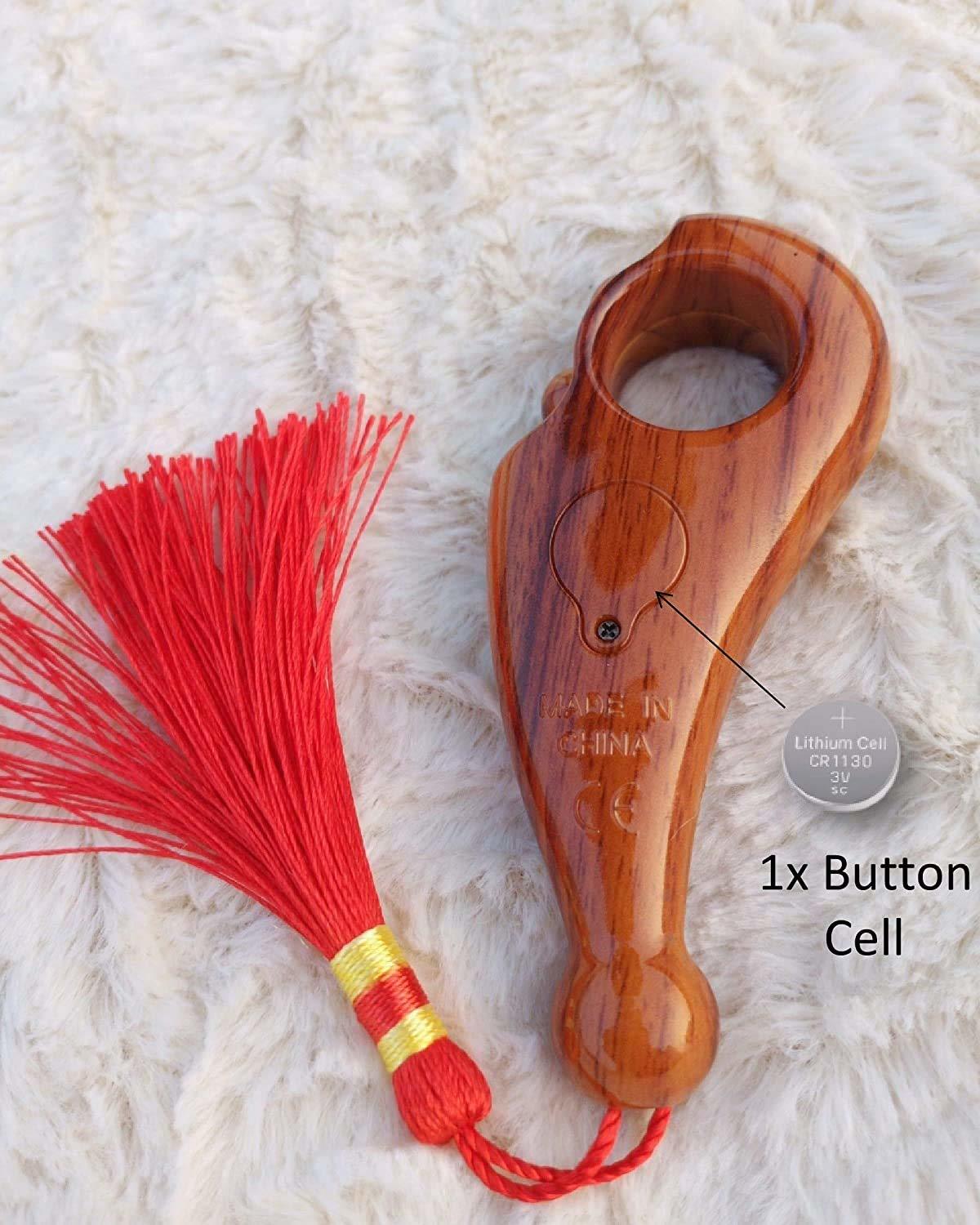
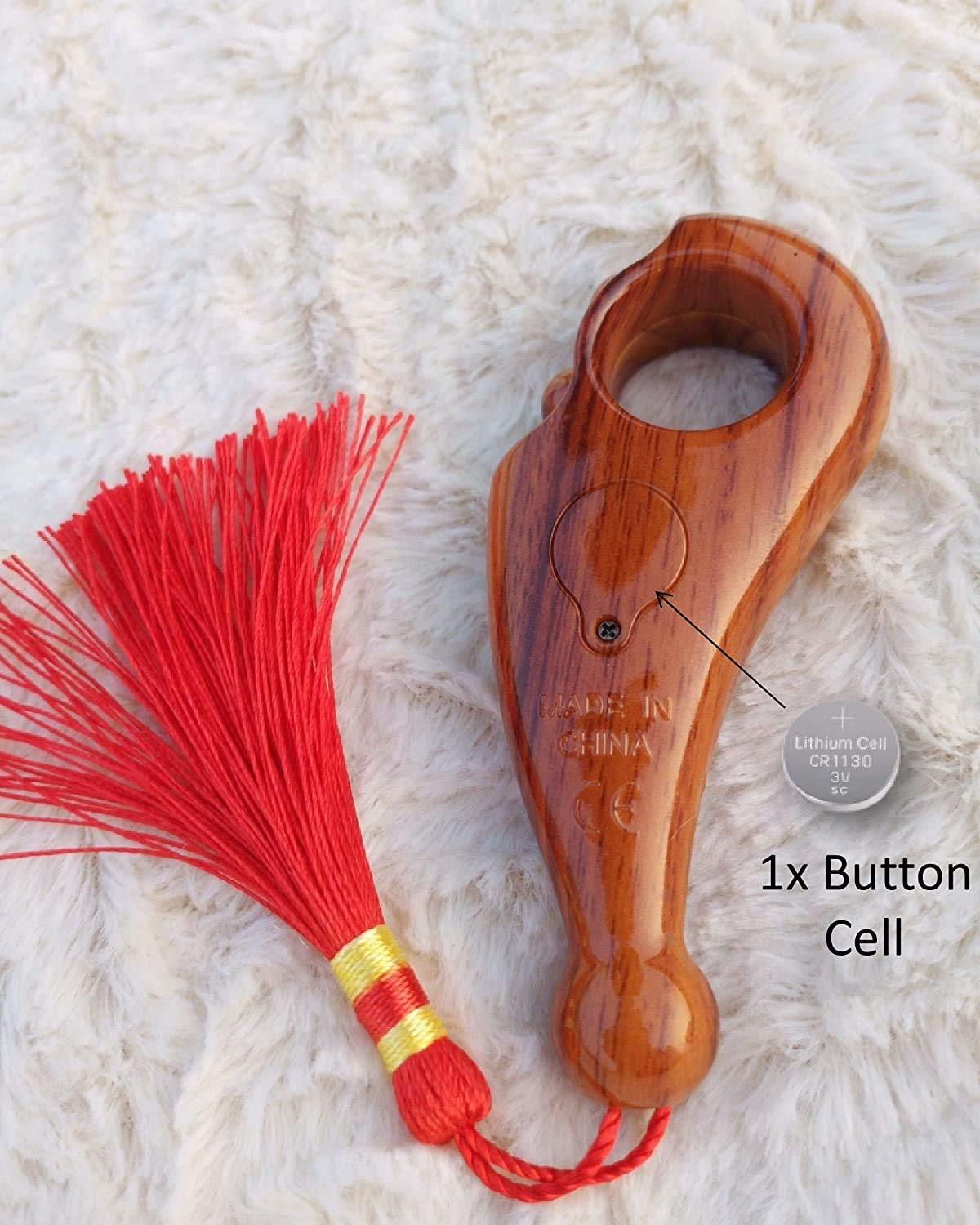
- aNO BATTERIES REQUIREDa: You also change small cell yourself easy to change manual.
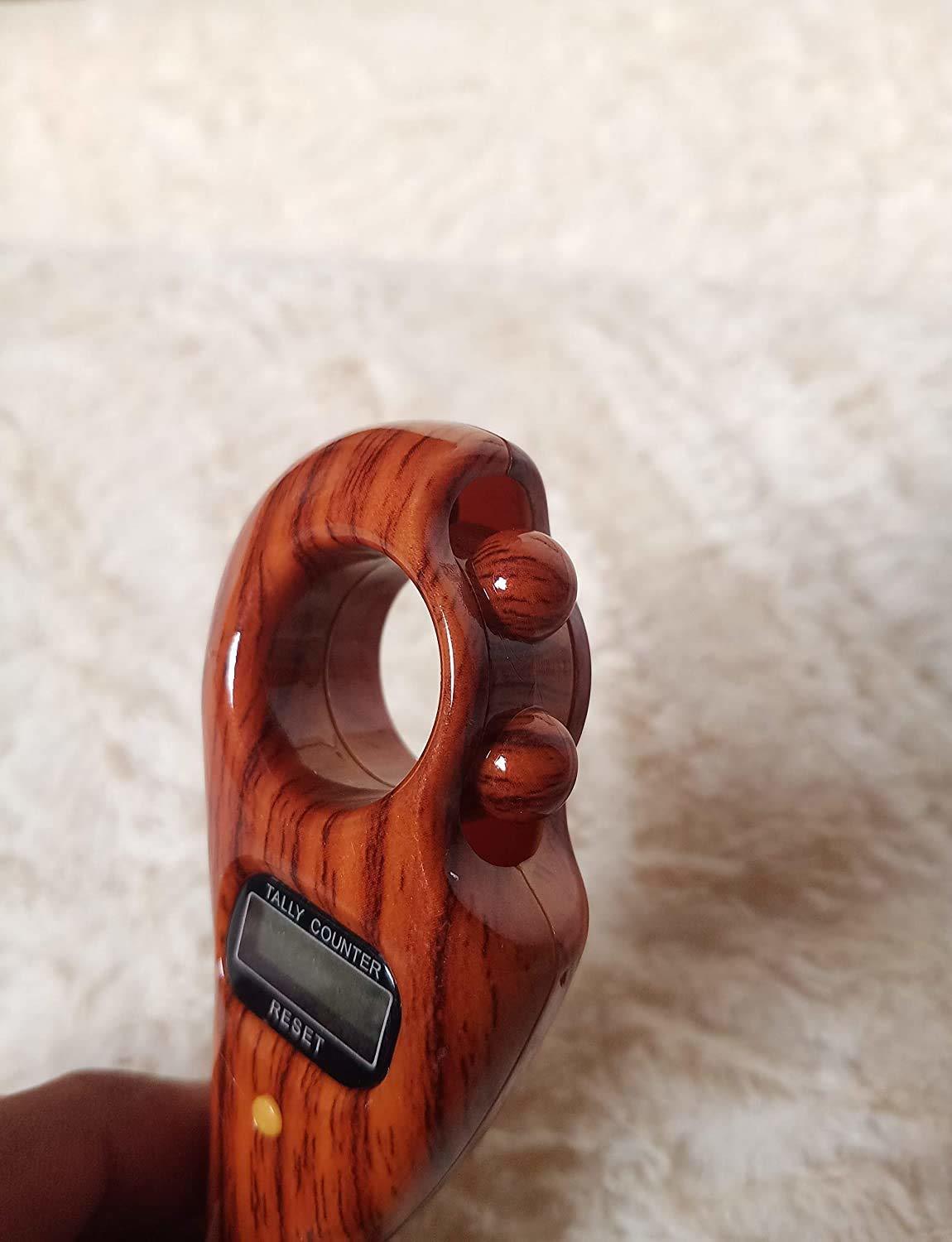
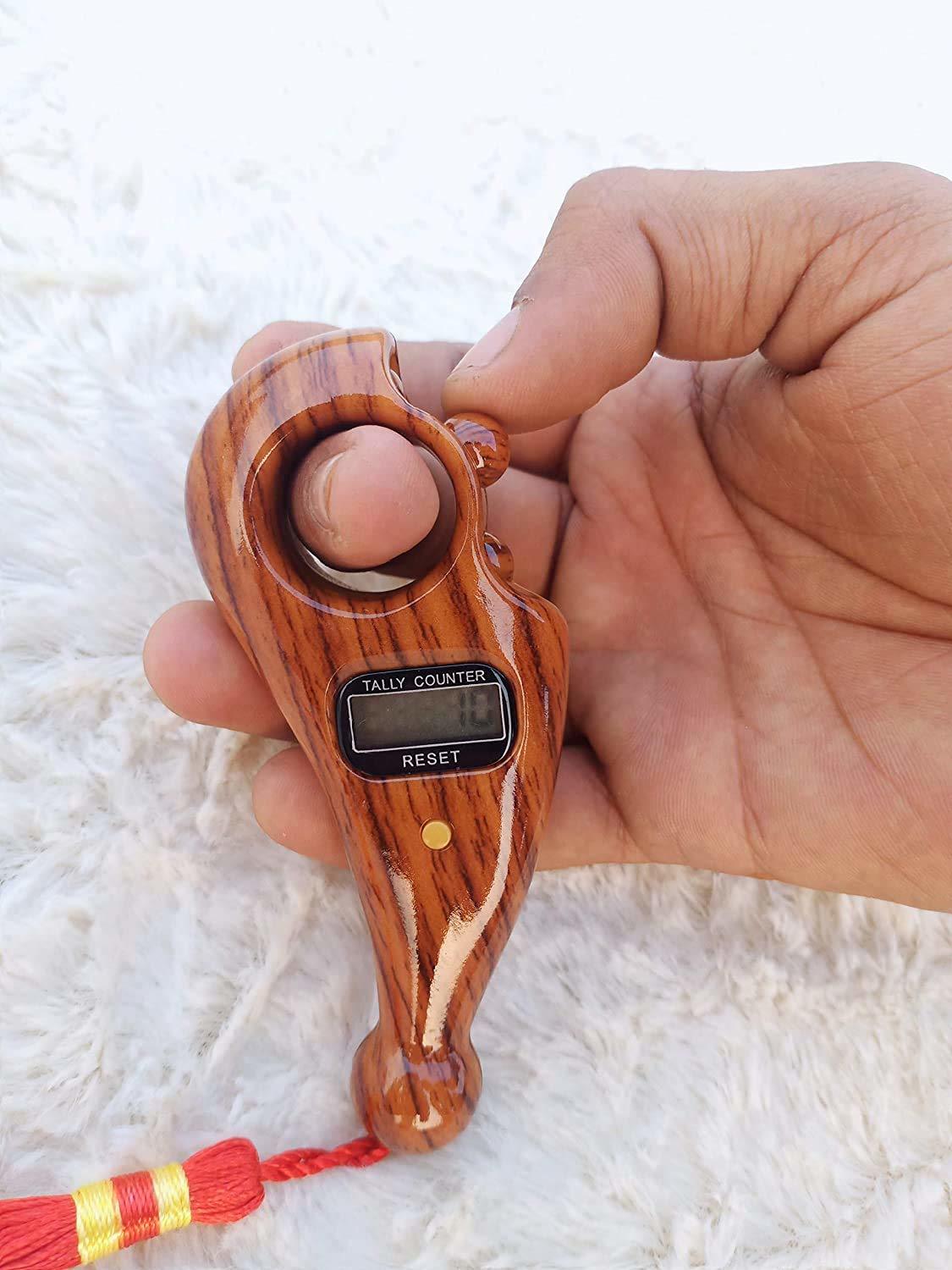
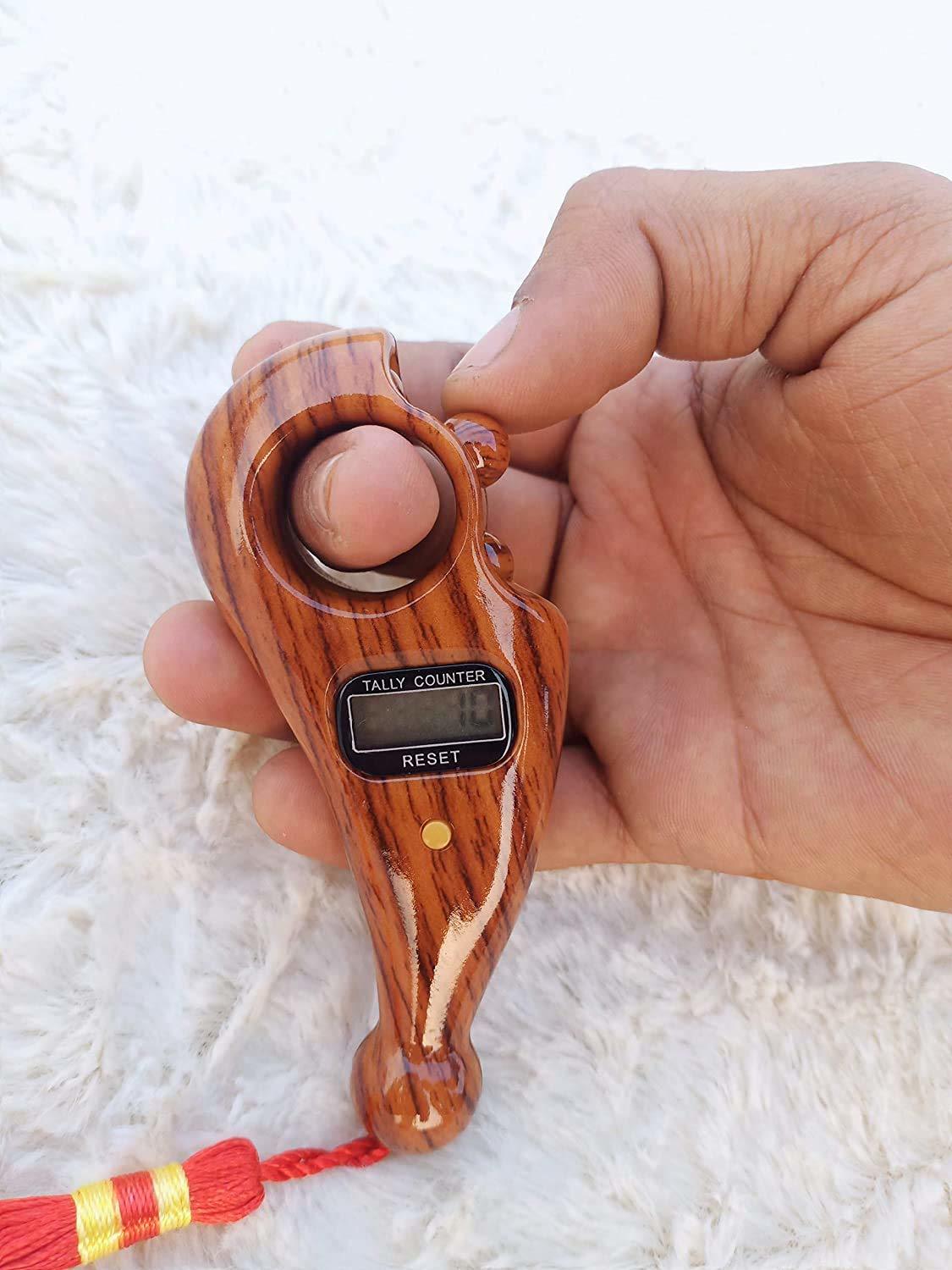
- aADJUSTABLE FINGER RINGa: you could lock the tally number clicker when you stop count. Tally Counter Clicker-Our Tally Counter is different from others which need to be held by your finger, the mechanical manual clicker with adjustable circle snap design, it not easy to fall off your finger.
- aAUTOMATICa: With Statistical reading digital, islamic tasbeeh counter prayer automatic power off and the counter can be cleared to zero.
- a WIDE USE : Used for all kinds of meditation relaxation, decompression, active fingers, etc.
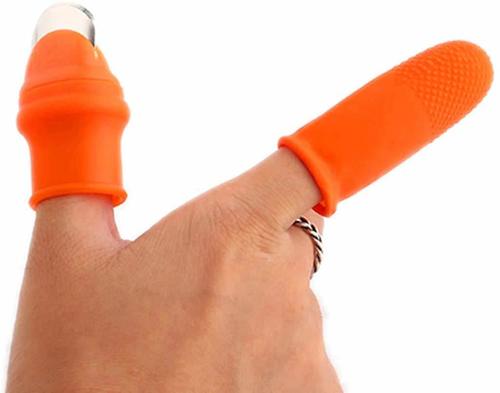
Ergonomic Wearable DesignThis digital counter is engineered for easy finger mounting, featuring an adjustable elastic strap for a secure and comfortable fit. Its lightweight, portable build allows users to carry and use it almost anywhere, delivering versatility for prayer, tally counting, and more.
Efficient Manual CountingWith its single increment per press system, the counter reliably records totals up to 99,999 counts. The smooth soft silicone button ensures effortless operation, and the large LCD display provides clear visibility of your count at a glance.
Convenient Power FeaturesPowered by a single AG10 button cell (included), the device boasts automatic power-off to conserve battery life. The reset button lets users quickly zero the count for new tasks, and battery replacement is straightforward, ensuring minimal maintenance.
FAQ's of Manual Hand Finger Digital Counting Machine:
Q: How do I use the manual hand finger digital counting machine?
A: Simply attach the elastic adjustable strap to your finger, power on the counter, and press the soft silicone button to increment the count by one for each press. Use the reset button to zero the counter when needed.
Q: What is the process for resetting the count to zero?
A: To reset the counter, press the dedicated reset button. This will immediately set the displayed count back to zero, allowing you to start a new tally cycle.
Q: Where can I use this digital counting machine?
A: You can use this device anywhere since it is pocket-sized, lightweight, and features a comfortable finger mount. It is ideal for tallying in prayer sessions, exercise routines, inventory management, and similar activities.
Q: What benefit does the automatic power-off function offer?
A: The automatic power-off feature helps conserve battery life by turning off the device when not in use, ensuring long-lasting operation without frequent battery replacements.
Q: When is it necessary to replace the battery, and how is it done?
A: Replace the AG10 button cell battery when the display dims or the counter stops responding. Battery replacement is simple-open the battery compartment, insert a fresh AG10 cell, and re-close the compartment.
Q: Is this digital counter safe for use in all temperatures and cleaning conditions?
A: The device operates within a temperature range of 0C to 50C. It should not be exposed to extreme heat, microwaves, or dishwashers; clean it only by wiping with a dry cloth and avoid immersion in water.
Q: What are the benefits of the adjustable finger strap and compact size?
A: The adjustable finger strap ensures the counter comfortably fits various finger sizes, while its lightweight and compact dimensions make it highly portable, easy to store, and suitable for quick, one-handed operation.







 Send Inquiry



 Send Inquiry
 Send Inquiry
 Send SMS